Introduction
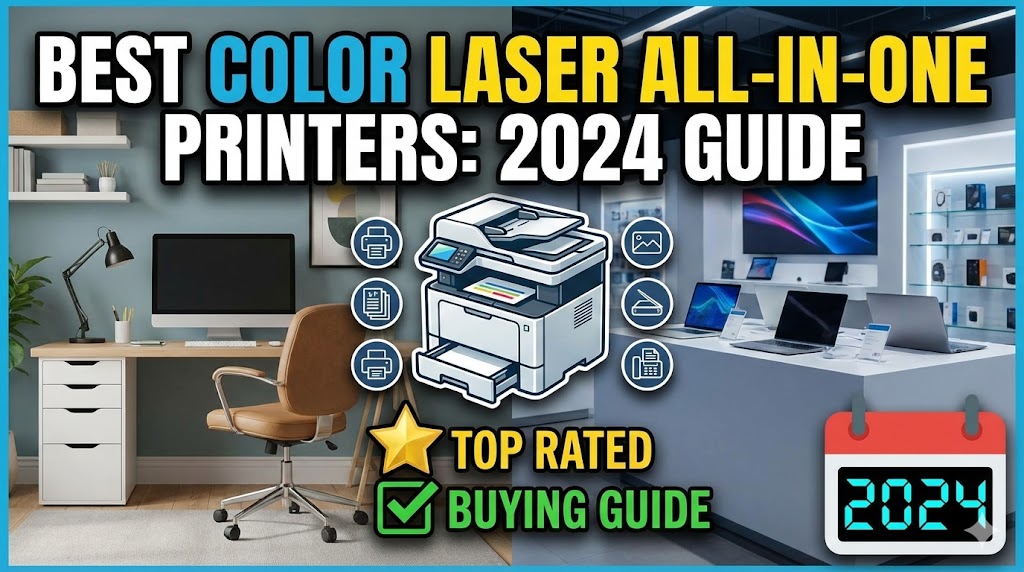
Looking for the best color laser printer all in one for your home or office? These multifunction devices combine printing, scanning, copying, and sometimes faxing into one powerful machine.
Choosing the right all-in-one color laser printer can feel overwhelming. There are dozens of models with different features, speeds, and price points. You need a printer that fits your budget while delivering quality color prints.
This guide will help you understand what makes a great color laser all-in-one printer. You’ll learn about important features to consider, how to compare different models, and what to look for based on your specific needs.
Whether you’re printing marketing materials, documents, or occasional color graphics, this article will point you toward the right printer for your situation.
What Is a Color Laser All-in-One Printer?
A color laser all-in-one printer is a multifunction device that uses laser technology to print in full color. Unlike inkjet printers that spray liquid ink, laser printers use toner powder and heat to create images on paper.
The “all-in-one” (also called multifunction or MFP) means these printers do more than just print. They typically include:
- Printing: Color and black-and-white documents
- Scanning: Converting physical documents to digital files
- Copying: Making duplicates without a computer
- Faxing: Some models include fax capability (less common now)
Color laser printers work differently than inkjet models. They use four toner cartridges—cyan, magenta, yellow, and black (CMYK). These colors combine to create a full spectrum of colors.
Laser printers excel at text quality and speed. They’re perfect for offices that print large volumes. The toner cartridges last much longer than ink cartridges, making them more economical over time.
Businesses prefer color laser all-in-ones because they’re reliable and fast. Home users who print frequently also benefit from lower per-page costs. However, they typically cost more upfront than inkjet printers.
Understanding these basics helps you determine if a color laser all-in-one matches your printing needs and budget.
Key Features to Consider When Choosing the Best Color Laser Printer All in One
Feature 1: Print Speed and Volume
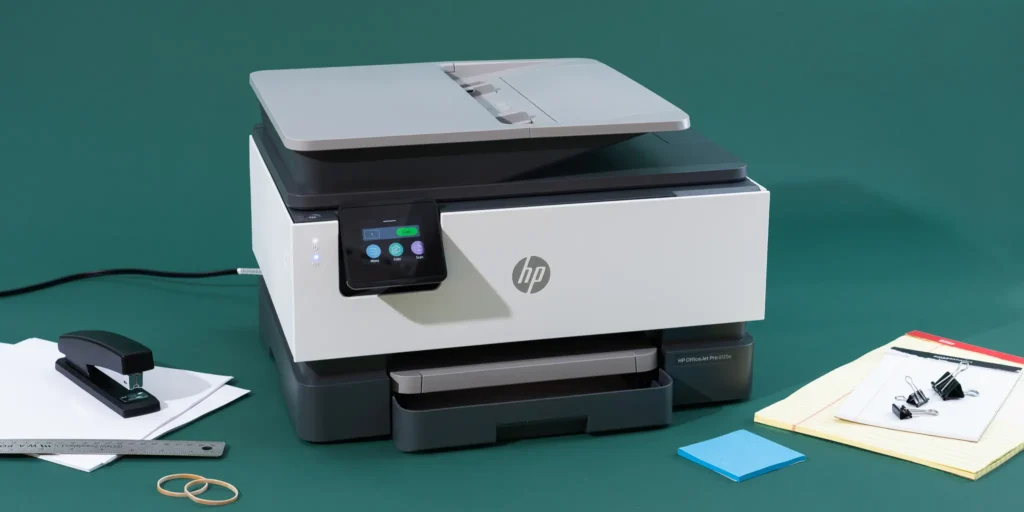
Print speed matters if you print frequently or need documents quickly.
What to look for:
- Pages per minute (PPM) for both color and black-and-white
- Monthly duty cycle (how many pages the printer can handle)
- First page out time (how fast the first page prints)
Home users typically need 15-20 PPM. Small offices should look for 25-30 PPM or higher. Enterprise offices need 40+ PPM for heavy workloads.
The monthly duty cycle tells you maximum capacity. Light users need 2,000-5,000 pages monthly. Medium offices should look for 10,000-30,000 pages. Heavy users need 50,000+ pages monthly.
Don’t buy a printer that barely meets your needs. Get one with capacity above your average monthly printing. This extends the printer’s lifespan.
Feature 2: Print Quality and Resolution
Resolution determines how sharp and detailed your prints look.
Resolution basics:
- Measured in dots per inch (DPI)
- Higher DPI means sharper images
- 600 x 600 DPI is standard for text
- 1200 x 1200 DPI or higher for graphics and photos
Most color laser printers offer 600 DPI, which produces excellent text quality. For marketing materials, presentations, or detailed graphics, consider 1200 DPI or higher.
Check sample prints if possible. Visit stores or request samples from manufacturers. This gives you a real sense of print quality.
Feature 3: Connectivity Options
Modern printers offer multiple ways to connect and print.
Common connectivity options:
- USB: Direct wired connection to one computer
- Ethernet: Wired network connection for office sharing
- Wi-Fi: Wireless network printing from multiple devices
- Mobile printing: AirPrint, Google Cloud Print, or manufacturer apps
- NFC/Wi-Fi Direct: Print without a network
For home users, Wi-Fi and mobile printing are essential. You want to print from your phone, tablet, or laptop without cables.
Offices need Ethernet for reliable network connections. Wi-Fi serves as a convenient backup. Mobile printing helps employees print from smartphones during meetings.
Some printers include touchscreens that make navigation easier. This is helpful when scanning or copying without a computer.
Feature 4: Scanning Features
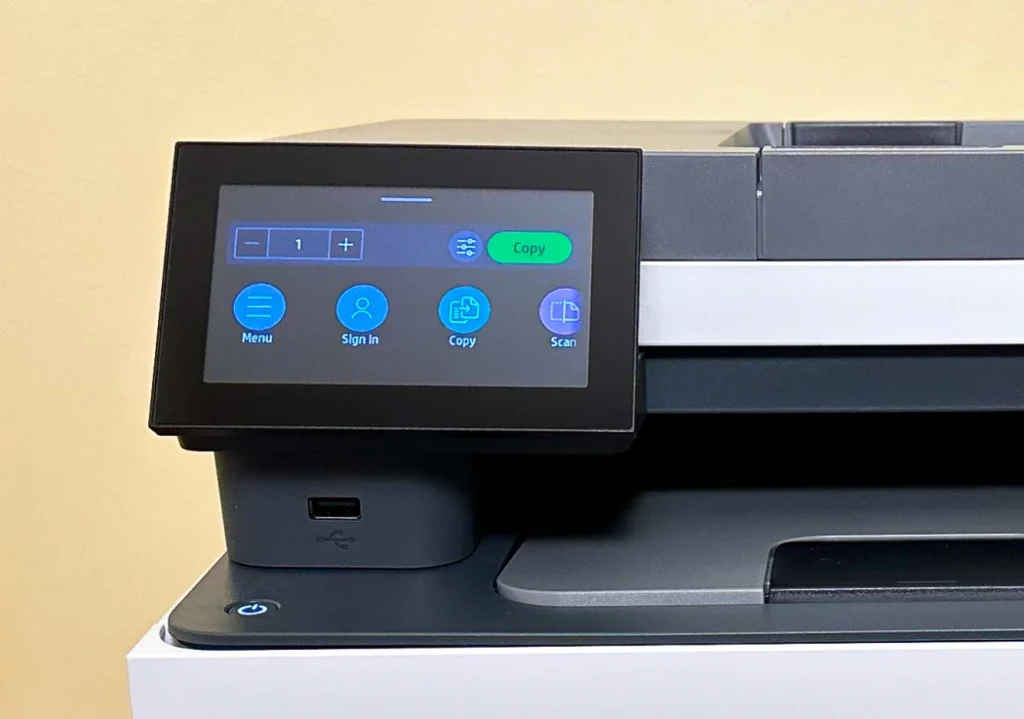
The scanner determines how easily you can digitize documents.
Scanner specifications to check:
- Optical resolution (300 DPI minimum, 600 DPI better)
- Automatic document feeder (ADF) capacity
- Duplex scanning (scan both sides automatically)
- Scan-to-email or scan-to-cloud features
An ADF lets you load multiple pages for unattended scanning. This saves massive time compared to scanning one page at a time.
Duplex scanning automatically scans both sides of double-sided documents. This feature is invaluable for copying contracts, reports, or bound materials.
Look for scan-to destinations like email, USB drive, network folders, or cloud storage. These features streamline document management.
Feature 5: Cost Per Page and Toner Capacity
Long-term costs often exceed the initial purchase price.
Calculate total costs:
- Price of replacement toner cartridges (all four colors plus black)
- Expected page yield for each cartridge
- Cost per page for color and black-and-white
Divide the toner cartridge price by its page yield. This gives you cost per page. Compare this across different printer models.
High-yield toner cartridges cost more upfront but offer better value. They print more pages per cartridge, reducing your per-page cost.
Some manufacturers offer toner subscription services. You pay monthly and receive automatic toner shipments. This prevents running out unexpectedly.
Check prices at office supply stores and online retailers. Toner costs vary significantly between models. A cheaper printer with expensive toner may cost more long-term.
Feature 6: Size and Design
Physical dimensions matter, especially in small spaces.
Consider:
- Desktop footprint (length, width, height)
- Weight (if you might move it)
- Paper capacity and tray locations
- Output tray capacity
Measure your intended printer space before shopping. Color laser printers are typically larger than inkjet models.
Front-loading paper trays work better in tight spaces. Top-loading trays need clearance above the printer.
Check the paper capacity. Standard capacity is 150-250 sheets. Higher capacity (500+ sheets) reduces refill frequency in busy offices.
Feature 7: Additional Features
Extra features can enhance productivity and convenience.
Useful additions:
- Duplex (automatic two-sided) printing
- Large touchscreen display
- Security features for sensitive documents
- Multiple paper trays for different paper types
- Finishing options (stapling for some models)
Duplex printing saves paper and money. It’s environmentally friendly and essential for professional documents.
Security features matter for offices handling confidential information. Look for secure print release, user authentication, and data encryption.
Multiple paper trays let you keep different paper types loaded. Switch between letterhead, plain paper, and cardstock without manual loading.
Popular Brands and Where to Find Reviews
Top Color Laser Printer Manufacturers
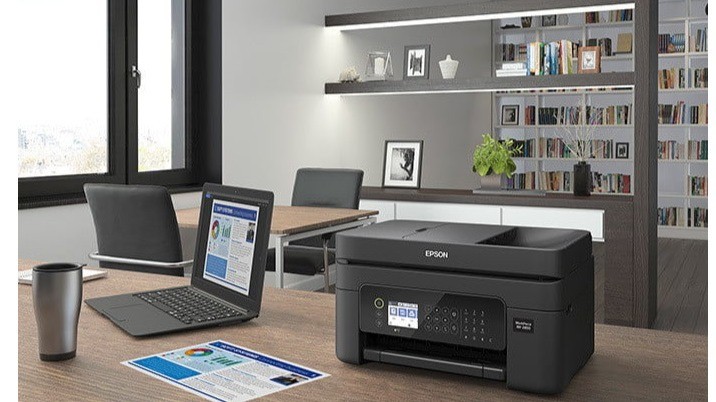
Several brands dominate the color laser all-in-one market.
HP (Hewlett-Packard): Known for reliability and extensive product lines. The HP Color LaserJet Pro series is popular for small to medium offices. Visit HP’s printer page for official specifications and support.
Brother: Offers excellent value with competitive features. Brother printers are reliable and have affordable toner. Popular models include the MFC-L3770CDW and HL-L8360CDW series.
Canon: Delivers quality color reproduction. Canon imageCLASS printers suit creative professionals who need accurate colors.
Xerox: Professional-grade printers for high-volume environments. Known for durability and excellent service networks.
Lexmark: Business-focused printers with robust security features. Common in corporate environments.
Where to Research and Compare
Before buying, research thoroughly using multiple sources.
Reliable review sites:
- Professional tech review websites
- Customer reviews on retailer websites
- YouTube video reviews showing real-world performance
- Office equipment review publications
Read both professional reviews and customer feedback. Professional reviews test technical specifications. Customer reviews reveal long-term reliability and support experiences.
Compare at least three models in your price range. Create a simple spreadsheet listing features, prices, and per-page costs.
Smart Shopping Tips and Best Practices
Set a Realistic Budget
Color laser all-in-ones range from $300 to $3,000+.
Budget categories:
- $300-$500: Entry-level for light home or small office use
- $500-$1,000: Mid-range for small to medium offices
- $1,000-$2,000: Professional-grade for medium to large offices
- $2,000+: Enterprise solutions for high-volume printing
Remember to budget for toner replacements. A full set of cartridges can cost $300-$600 depending on the model.
Buy from Authorized Dealers
Purchase from reputable retailers or directly from manufacturers.
Benefits of authorized dealers:
- Valid manufacturer warranties
- Access to customer support
- Genuine toner cartridges
- Return policies and protection plans
Avoid deep-discount resellers with questionable origins. Gray market printers may lack warranties or support in your region.
Consider Refurbished Options
Manufacturer-refurbished printers offer significant savings.
These units are returned products that have been tested, repaired, and certified. They typically include warranties, though shorter than new models.
Refurbished printers work well for budget-conscious buyers. Just ensure the refurbishment comes from the manufacturer, not third parties.
Check Warranty and Support
Standard warranties cover one year. Some manufacturers offer extended coverage.
What to check:
- Warranty length and what it covers
- Availability of phone and online support
- On-site service options for business models
- Replacement or repair turnaround time
Good support saves frustration when problems occur. Read reviews about manufacturer support quality before deciding.
Test Before Large-Scale Deployment
If buying for an office, order one unit first.
Test it with your actual workload for a week or two. Verify it meets your speed, quality, and reliability expectations.
Once satisfied, order additional units if needed. This prevents costly mistakes with incompatible or underperforming equipment.
Common Mistakes When Buying Color Laser Printers
Mistake 1: Choosing Based Only on Purchase Price
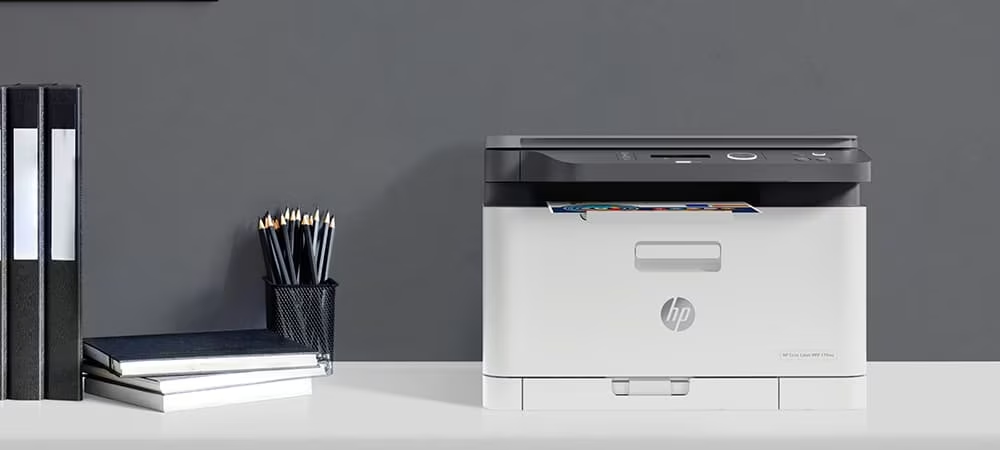
The cheapest printer isn’t always the best value.
Why this fails: Low-cost printers often have expensive toner cartridges. You might save $200 on the printer but spend an extra $500 annually on toner.
Better approach: Calculate total cost of ownership. Include purchase price plus estimated toner costs for three years. The printer with the lowest three-year total cost offers better value.
Mistake 2: Ignoring Monthly Duty Cycle
Buying a printer that can’t handle your volume leads to problems.
Why this fails: Exceeding the duty cycle causes premature wear and frequent repairs. The printer might last only a year instead of five.
Better approach: Estimate your monthly page count honestly. Choose a printer with a duty cycle at least 50% higher than your average. This buffer extends equipment life.
Mistake 3: Overlooking Connectivity Needs
Missing essential connectivity options causes frustration.
Why this fails: A printer without Wi-Fi is useless if you need to print from multiple wireless devices. No mobile printing capability limits modern workflow.
Better approach: List all devices that will print to this printer. Verify the printer supports every connection type you need before purchasing.
Mistake 4: Forgetting About Physical Size
Ordering a printer that doesn’t fit your space is embarrassing.
Why this fails: Color laser printers are often larger than expected. They might not fit on your desk or in your designated area.
Better approach: Measure your available space carefully. Check printer dimensions (with paper trays extended). Add a few inches for air circulation and access.
Mistake 5: Not Considering Future Growth
Your printing needs might increase over time.
Why this fails: A barely adequate printer becomes insufficient within months. You’ll need to buy another printer sooner than expected.
Better approach: Choose a printer that exceeds current needs by 25-30%. This accommodates business growth or changing household printing habits.
Mistake 6: Skipping Customer Reviews
Product specifications don’t reveal real-world reliability problems.
Why this fails: A printer might have impressive specs but suffer from frequent paper jams, poor driver software, or connectivity issues. You won’t discover these problems from manufacturer descriptions.
Better approach: Read at least 20-30 customer reviews across multiple websites. Look for patterns in complaints. A few negative reviews are normal, but consistent problems indicate serious issues.
Frequently Asked Questions
Q1: Are color laser printers better than inkjet printers?
Color laser printers excel for high-volume printing with lower per-page costs and faster speeds. They’re ideal for text-heavy documents and offices. Inkjet printers are better for photo printing and cost less initially. Choose based on your primary printing needs and monthly volume.
Q2: How long do toner cartridges last in color laser printers?
Toner cartridges typically last 1,500-3,000 pages for standard capacity and 3,000-6,000+ pages for high-yield cartridges. Actual yield depends on your print coverage percentage. Color pages use more toner than black-and-white. Most users replace toner every 3-6 months with moderate use.
Q3: Can I print photos on a color laser printer?
Yes, but photo quality won’t match dedicated photo inkjet printers. Color laser printers produce acceptable photos for business presentations or casual use. For professional photography or fine art prints, inkjet printers deliver superior results with better color gradients and glossy finishes.
Q4: Do I need a separate printer for black-and-white printing?
No, color laser all-in-one printers handle both color and black-and-white printing excellently. They use separate black toner, so black-and-white prints don’t consume color toner. Many models offer a “mono-only” mode that prevents accidental color usage, saving your color toner for when you truly need it.
Q5: How much does it cost to maintain a color laser printer annually?
Annual costs vary based on usage. Expect $200-$600 for toner replacement at moderate usage (3,000-5,000 pages yearly). Add potential maintenance kit costs ($100-$300 every 2-3 years) for high-volume printers. Total annual cost typically ranges from $200-$800 depending on your printing volume and whether you buy standard or high-yield toner.
Conclusion
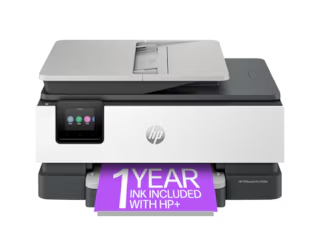
Finding the best color laser printer all in one requires balancing features, performance, and budget. Consider your actual printing needs—both current and future—before making a decision.
Focus on key factors: print speed appropriate for your volume, quality matching your output needs, connectivity options supporting all your devices, and total cost of ownership including toner expenses.
Don’t rush your decision. Research thoroughly, read reviews from actual users, and compare multiple models. The right printer will serve you reliably for years.
Remember that the cheapest option rarely delivers the best value. Calculate three-year total costs including toner. This reveals the true expense of ownership.
Whether you need a printer for a home office or a busy workplace, the perfect color laser all-in-one exists for your situation. Use this guide to narrow your choices and make an informed decision.
Start your search today with a clear understanding of what matters most for your specific printing requirements!
iPhone Printer: How to Print from Your iPhone in Simple Steps Read More.