Introduction
The inkjet vs laser printer cost debate goes far beyond the initial price tag you see in stores. Many buyers focus only on purchase price, then feel shocked when ink or toner expenses pile up. Understanding total cost of ownership helps you make smarter decisions and avoid expensive mistakes. This guide reveals the real costs behind both printer types, including hidden fees most people miss. You will learn exactly which printer saves money based on your specific printing needs. By the end, you will have clear answers about long-term expenses, maintenance costs, and the true value each printer type delivers.
What Is Total Cost of Ownership for Printers?
Understanding TCO Basics
Total cost of ownership (TCO) measures every expense related to owning a printer over its entire lifespan. This includes the purchase price, consumables, maintenance, energy usage, and replacement parts. Most people only consider the sticker price, which leads to poor buying decisions.
TCO gives you the complete financial picture. A cheap printer might cost twice as much to operate over three years compared to a pricier model with lower running costs.
Why TCO Matters More Than Purchase Price
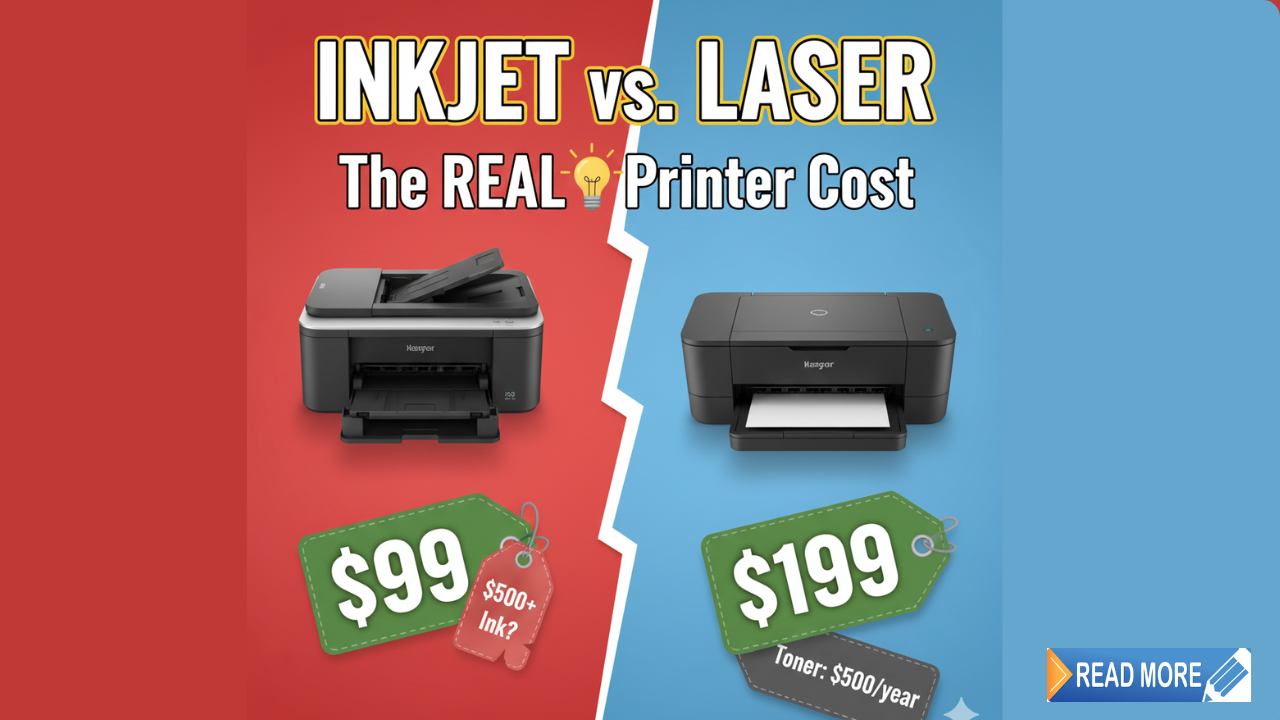
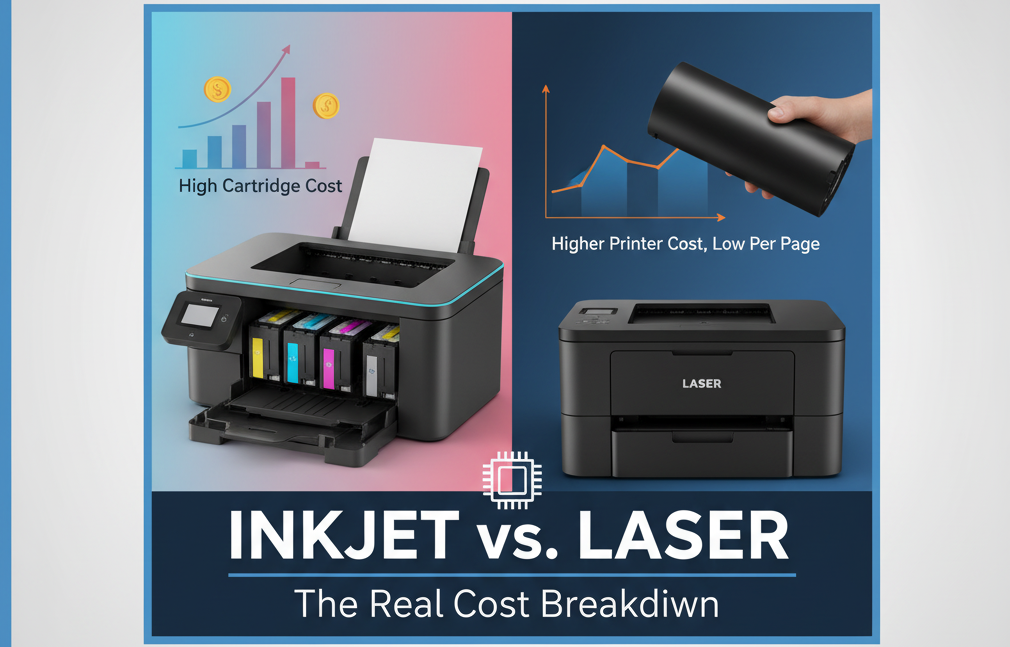
A basic inkjet printer costs $50 to $100, while entry-level laser printers start around $150 to $200. This price difference makes inkjets seem like the obvious choice. However, ink cartridges run out quickly and cost significantly more per page than toner.
Over two years of moderate use, that cheap inkjet might cost $600 in total expenses, while the laser printer totals only $400. The initial savings disappear fast.
Key Components of Printer TCO
Purchase Price: Your upfront investment in the hardware.
Consumables: Ink cartridges, toner cartridges, drums, and maintenance kits.
Paper Costs: Different printers handle paper efficiency differently.
Energy Consumption: Laser printers use more electricity, especially during warmup.
Maintenance and Repairs: Service costs, replacement parts, and downtime expenses.
Lifespan: How long the printer lasts before needing replacement affects overall value.
8 Critical Factors in Inkjet vs Laser Printer Cost Analysis
1. Initial Purchase Price Comparison
Inkjet Printers: Entry models cost $50 to $150. Photo-quality inkjets range from $150 to $400. Professional models reach $800 or more.
Laser Printers: Basic monochrome models start at $150 to $250. Color laser printers begin around $250 to $400. Office-grade models cost $500 to $2,000.
Winner: Inkjet printers win on initial cost, making them attractive for tight budgets. However, this advantage rarely holds up long-term.
2. Cost Per Page – The Real Game Changer
Cost per page reveals where the inkjet vs laser printer cost comparison gets interesting. This metric shows exactly how much each printed page costs you.
Inkjet Cost Per Page:
- Black and white: 5 to 20 cents per page
- Color: 15 to 30 cents per page
- Photo quality: 50 cents to $1 per page
Laser Cost Per Page:
- Black and white: 2 to 5 cents per page
- Color: 8 to 15 cents per page
If you print 100 pages monthly, an inkjet costs $15 to $20 in ink versus $5 to $8 for laser toner. That difference adds up to $120 to $144 annually. Over five years, you save $600 to $720 with a laser printer on consumables alone.
3. Ink vs Toner Cartridge Costs

Inkjet Cartridges: Standard cartridges cost $15 to $35 each and print 150 to 300 pages. High-yield cartridges cost $30 to $70 and print 400 to 600 pages. Color printing requires separate cartridges for cyan, magenta, yellow, and black.
Laser Toner: Standard toner costs $50 to $150 and prints 1,500 to 3,000 pages. High-yield toner costs $100 to $250 and prints 5,000 to 10,000 pages.
Toner seems expensive upfront but delivers far more pages per dollar spent. According to Consumer Reports, laser printers consistently offer lower per-page costs for users printing over 50 pages monthly.
4. Cartridge Replacement Frequency
Inkjet Printers: Light users replace cartridges every 2 to 3 months. Moderate users replace them monthly. Heavy users might buy new cartridges weekly. The frequent replacement creates ongoing expenses and inconvenience.
Laser Printers: Light users replace toner every 6 to 12 months. Moderate users replace it every 4 to 6 months. Heavy users replace toner every 2 to 3 months. Less frequent replacement means fewer trips to the store and more predictable budgeting.
5. Energy Consumption Differences
Inkjet Energy Use: These printers consume 10 to 50 watts during operation and 2 to 5 watts in standby mode. Annual electricity costs range from $5 to $15 for typical home use.
Laser Energy Use: Laser printers use 300 to 600 watts during operation and 10 to 30 watts in standby mode. The fuser unit requires significant power to heat up. Annual electricity costs range from $30 to $80 for typical use.
Energy costs favor inkjet printers, though the difference rarely offsets higher ink costs for regular users. If you print infrequently, inkjet energy savings might matter more.
6. Print Speed and Productivity Costs
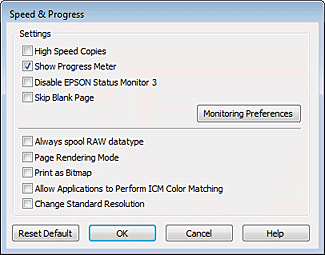
Inkjet Speed: These printers produce 8 to 15 pages per minute for black and white, and 5 to 10 pages per minute for color. Slower speeds mean more waiting time.
Laser Speed: Laser printers deliver 20 to 40 pages per minute for both black and white and color. Faster printing reduces downtime and improves productivity.
In office settings, employee time costs money. If printing delays waste 30 minutes weekly at $20 per hour wage, that equals $520 annually in lost productivity. Faster laser printers justify their cost through time savings alone.
7. Maintenance and Repair Expenses
Inkjet Maintenance: These printers require regular printhead cleaning to prevent clogs. Infrequent use causes ink to dry out, requiring expensive cleaning cycles that waste ink. Repair costs average $50 to $150, often exceeding the printer’s value.
Laser Maintenance: These printers need occasional drum replacements ($100 to $200 every 20,000 to 50,000 pages) and fuser replacements ($100 to $300 every 50,000 to 100,000 pages). However, they handle infrequent use better without consumable waste.
8. Expected Lifespan and Replacement Cycles
Inkjet Lifespan: Consumer inkjets last 3 to 5 years with moderate use. Heavy use shortens this to 2 to 3 years. Print quality degrades as printheads wear out.
Laser Lifespan: These printers last 5 to 10 years with proper maintenance. Business-grade models can last even longer. Their robust construction handles high-volume printing better.
Longer lifespan means fewer replacement purchases, reducing your total cost of ownership significantly over time.
Smart Tools for Calculating Your True Costs
Online TCO Calculators
Several websites offer free printer TCO calculators. Input your expected monthly page count, color versus black and white ratio, and electricity rates. These tools compare specific printer models and show projected costs over 1, 3, and 5 years.
Spreadsheet Cost Tracking
Create a simple spreadsheet tracking every printer expense. Include the purchase price, each cartridge purchase with date and cost, paper costs, and any repairs. Review it quarterly to understand your actual spending patterns.
Manufacturer Cost Estimators
Printer manufacturers provide cost-per-page estimates for their models. While sometimes optimistic, these numbers help compare models within the same brand. Look for independently verified figures when possible.
Print Management Software
Some software tracks exactly how many pages you print, what colors you use, and when cartridges need replacement. This data helps you predict costs accurately and budget accordingly.
Common Mistakes That Increase Printer TCO
Buying Based Only on Sticker Price
The biggest mistake people make in the inkjet vs laser printer cost comparison is focusing solely on purchase price. A $50 inkjet looks like a bargain until you spend $300 on ink cartridges the first year. Always calculate total ownership costs before buying.
Ignoring Your Actual Printing Volume
Low-volume users (under 50 pages monthly) might save money with inkjets despite higher per-page costs. The lower purchase price and energy usage offset expensive ink. High-volume users (over 200 pages monthly) almost always save with laser printers.
Match the printer type to your real usage patterns, not your estimated usage. Most people overestimate printing needs before buying, then underestimate once they own the printer.
Falling for Cheap Compatible Cartridges
Third-party cartridges cost less but often cause problems. They may leak, produce poor quality prints, or damage your printer. While name-brand cartridges seem expensive, they protect your investment and deliver consistent results.
Some compatible cartridges work well, but research carefully before buying. One bad cartridge can cost more in repairs than you saved on discount supplies.
Not Considering Ink Drying and Waste
Inkjet cartridges dry out if you print infrequently. You might replace cartridges that still contain ink simply because they stopped working. Laser toner never dries out, making laser printers better for occasional users despite higher initial costs.
Overlooking Duplex Printing Costs
Printers without automatic duplex (two-sided) printing waste paper and increase costs. Adding duplex capability might cost $20 to $50 more upfront but saves significantly over time. If you print 200 pages monthly, duplex printing saves 100 sheets monthly or 1,200 sheets annually.
Neglecting Preventive Maintenance
Regular maintenance extends printer life and maintains print quality. Clean inkjet printheads monthly. Keep laser printers dust-free. Use your printer regularly to prevent ink from drying. Small maintenance efforts prevent expensive repairs.
Mixing Cartridge Brands and Types
Stick with one cartridge type and brand. Mixing standard and high-yield cartridges or switching between brands confuses cost tracking and may affect print quality. Consistency helps you predict expenses and maintain quality.
Frequently Asked Questions
Q: Which printer type costs less for home use?
For printing under 50 pages monthly, inkjets cost less overall due to lower purchase price and energy use. For 50 to 200 pages monthly, costs are similar, so choose based on other factors. Over 200 pages monthly, laser printers save significant money despite higher initial investment.
Q: How much can I really save with a laser printer?
A typical household printing 150 pages monthly saves $100 to $200 annually with a laser printer compared to inkjet. Over five years, that totals $500 to $1,000 in savings, far exceeding the higher purchase price. Businesses save even more with higher volumes.
Q: Are tank-based inkjet printers worth the cost?
Tank-based inkjets (like Epson EcoTank or HP Smart Tank) offer much lower per-page costs than cartridge-based inkjets. They cost $200 to $400 upfront but deliver 2 to 5 cents per page, matching laser printer economy. They work great for high-volume color printing needs.
Q: When should I replace instead of refilling cartridges?
Replace cartridges when print quality degrades or you notice streaking, even after cleaning. Refilling ink cartridges saves money but risks printer damage from leaks or poor-quality ink. Refilling toner is safer but requires care to avoid spills and exposure to toner powder.
Conclusion
The inkjet vs laser printer cost comparison reveals that laser printers win for most users printing over 100 pages monthly. Their higher purchase price pays for itself through lower consumables costs, less frequent replacement, and longer lifespan. Inkjet printers make sense for light users, photo printing enthusiasts, and those with tight initial budgets. Calculate your total cost of ownership using your actual printing habits rather than purchase price alone. Track all expenses for the first year to validate your decision and adjust future purchases. The right printer choice saves hundreds or thousands of dollars over its lifetime while delivering the print quality and features you need. Make your decision based on complete TCO analysis, not attractive sale prices.
Fuser vs Drum: Master Your Laser Printer Repairs Fast Read More