
Introduction
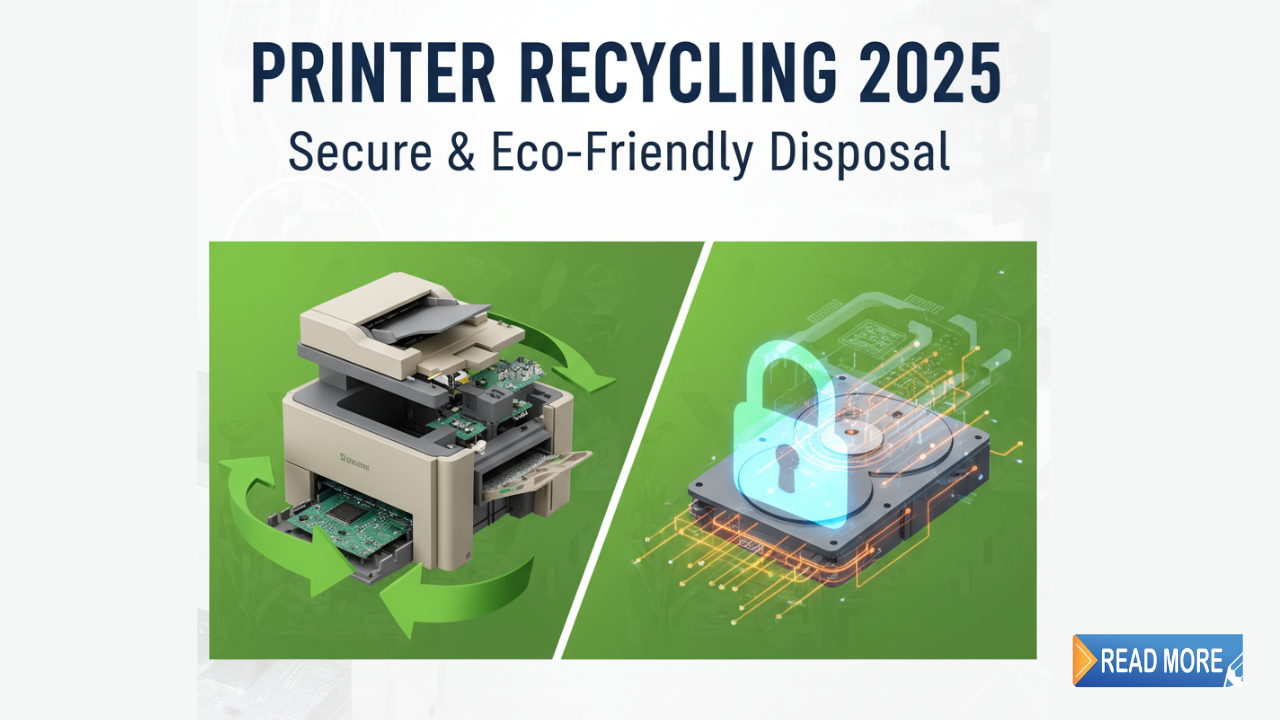
Disposing of old printers responsibly protects both your personal data and the environment. But most people just throw their old printer in the trash without thinking about the consequences.
Here’s what you need to know: printers contain toxic materials like lead, mercury, and cadmium that harm the environment. They also store sensitive information including documents you’ve printed, Wi-Fi passwords, and network settings.
Simply tossing your printer in the garbage creates security risks and environmental damage. The good news? You have multiple safe, eco-friendly options for disposing of old printers responsibly.
This guide covers everything from wiping your printer’s memory to finding free recycling programs. Whether you’re upgrading to a new printer or decluttering your home office, you’ll learn the right way to get rid of that old machine safely and responsibly.
What Does Disposing of Old Printers Responsibly Mean?
Disposing of old printers responsibly means removing your personal data and ensuring the device gets recycled or reused rather than ending up in a landfill.
Why this matters:
Modern printers are essentially computers. They have hard drives, memory, and storage that can contain:
- Copies of documents you’ve printed
- Scan history and images
- Network passwords and settings
- Email addresses from scan-to-email functions
- Your home or office network information
Environmental impact:
Printers contain hazardous materials. A typical printer includes:
- Plastic housing (can take 500+ years to decompose)
- Circuit boards with heavy metals
- Ink or toner residue (some containing toxic chemicals)
- Lead in solder and components
- Mercury in certain display screens
When you dump a printer in regular trash, these materials leach into soil and groundwater. Proper recycling recovers valuable materials like copper, steel, and plastic while safely disposing of hazardous components.
The responsible approach:
Disposing of old printers responsibly involves three key steps:
- Erasing all stored data and personal information
- Removing ink or toner cartridges for separate recycling
- Taking the printer to an authorized recycling facility or program
Let’s explore exactly how to do each step correctly.
7 Essential Steps for Disposing of Old Printers Responsibly
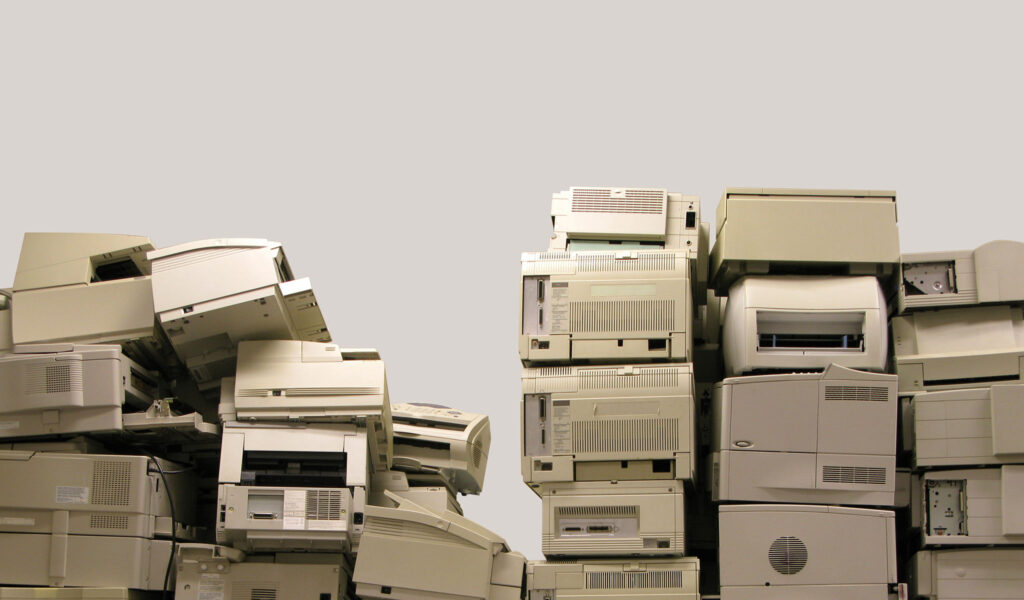
Follow these steps to ensure your printer disposal is both secure and environmentally friendly.
Step 1: Back Up Important Print Logs (If Needed)
Some office printers store print job history that might be useful for records.
What to do:
- Check if your printer has a web interface (type its IP address in a browser)
- Export any necessary print logs or usage reports
- Save warranty documents and purchase receipts
- Document the model number for future reference
Most home printers don’t need this step. But if you’re disposing of an office printer with job tracking, save this data first.
Step 2: Remove and Recycle Ink or Toner Cartridges
Never dispose of cartridges inside the printer. They need separate recycling.
How to remove cartridges:
- Turn on the printer (cartridges move to accessible position)
- Open the printer cover or access panel
- Press release tabs to remove each cartridge
- Place cartridges in a sealed plastic bag
Where to recycle cartridges:
- Staples or Office Depot (they often give store credit)
- Manufacturer return programs (HP, Canon, Epson all offer free mail-back)
- Local office supply stores
- Some pharmacies and big-box retailers
Cartridges contain valuable materials and sometimes toxic ink. Separate recycling is essential for disposing of old printers responsibly.
Step 3: Wipe the Printer’s Memory and Data
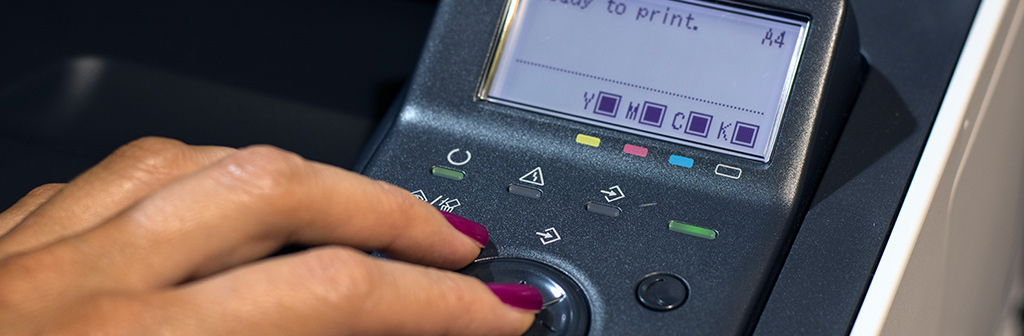
This is the most important security step that people often skip.
For printers with hard drives (usually office models):
- Access the printer’s settings menu
- Look for “Restore Factory Settings” or “Secure Erase”
- Follow prompts to completely wipe the hard drive
- This process can take 30 minutes to several hours
For printers with basic memory:
- Use “Restore Default Settings” from the menu
- Unplug the printer for 5 minutes to clear volatile memory
- Remove any memory cards or USB drives
For network printers:
- Delete Wi-Fi passwords and network settings
- Remove the printer from your router’s device list
- Clear any stored email addresses or cloud connections
According to Consumer Reports, many people skip this step and dispose of printers with sensitive data still accessible.
Step 4: Physically Remove Storage Components (Optional for High Security)
For extremely sensitive environments, consider physical removal of storage.
When this matters:
- Medical offices with patient information
- Legal firms with confidential documents
- Financial institutions
- Government offices
What to do:
- Locate the hard drive (check your printer manual)
- Remove it following manufacturer instructions
- Destroy the hard drive separately through a certified e-waste facility
- Document the destruction for compliance records
Most home users don’t need this level of security. Steps 2 and 3 are sufficient for disposing of old printers responsibly in residential settings.
Step 5: Disconnect All Cables and Accessories
Prepare the printer for transport or pickup.
Remove:
- Power cable
- USB cables
- Ethernet cables
- Paper trays and paper
- Any phone cords (for fax-capable printers)
- Dust covers or protective materials
Keep cables if: You might donate the printer and the recipient needs them. Otherwise, recycle cables separately through e-waste programs.
Step 6: Choose Your Disposal Method
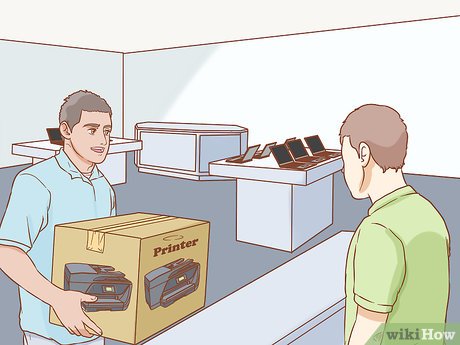
Now you’re ready to actually get rid of the printer. You have several options for disposing of old printers responsibly.
Manufacturer take-back programs: Most brands offer free recycling. Check:
- HP Planet Partners
- Canon Recycling Program
- Epson Trade-In and Recycling
- Brother Recycling Program
Retail store recycling:
- Best Buy: Accepts up to 3 items per day (small fee for some items)
- Staples: Free recycling for printers
- Office Depot: Free tech recycling services
Local e-waste facilities: Search “[your city] electronic waste recycling” to find municipal programs. Many offer free drop-off days.
Donation (if printer still works):
- Schools and non-profits often need printers
- Goodwill and Salvation Army accept working electronics
- Community centers and libraries
- Local churches or charitable organizations
Step 7: Get Documentation If Required
Some situations require proof of proper disposal.
Get a receipt or certificate from:
- E-waste recyclers
- Retail stores (ask for recycling receipt)
- Donation organizations (for tax deductions)
Keep this documentation for:
- Business tax records
- Compliance with data protection regulations
- Warranty claims on new printers (some offer trade-in credits)
Following these seven steps ensures you’re disposing of old printers responsibly while protecting your data and the environment.
Additional Tools and Resources for Responsible Printer Disposal

Beyond basic disposal, these resources help you make better decisions.
Earth911 Recycling Search: Visit Earth911.com and enter “printer” with your zip code. This shows every recycling option near you, including lesser-known local facilities.
EPA’s Electronics Donation and Recycling: The EPA website lists certified e-waste recyclers by state. These facilities meet environmental and security standards for disposing of old printers responsibly.
Call2Recycle Program: While primarily for batteries, they also list electronics recycling centers. Some locations accept printers along with batteries and small electronics.
Manufacturer Trade-In Programs: Before recycling, check if manufacturers offer trade-in credit toward new printer purchases. HP and Canon occasionally run promotions offering $25-50 credits for old printers.
R2 or e-Stewards Certified Recyclers: Look for facilities with these certifications. They guarantee:
- Proper data destruction
- Environmentally sound recycling practices
- No export of e-waste to developing countries
- Worker safety standards
Mobile Apps:
- iRecycle: Locates nearby electronics recycling
- RecycleNation: Finds disposal options for specific items
- Your city’s official app often includes recycling information
These tools make finding the right option for disposing of old printers responsibly much easier.
Common Mistakes to Avoid When Disposing of Old Printers

People make these errors that create security risks or environmental harm.
Mistake 1: Skipping the memory wipe
The biggest error is disposing of printers without clearing stored data. Even basic printers store the last few print jobs in memory.
Solution: Always perform a factory reset before disposal, even if you think your printer doesn’t store information. It takes 5 minutes and protects your privacy.
Mistake 2: Putting printers in regular trash
Landfills can’t handle electronics safely. Toxic materials leak into the environment.
Solution: Never use regular garbage for printers. Even if recycling requires extra effort, it’s worth it for environmental protection and may be required by law in your area.
Mistake 3: Leaving ink or toner inside
Cartridges can leak during transport, damaging the printer and making recycling difficult. Some facilities refuse printers with cartridges still inside.
Solution: Always remove cartridges first and recycle them separately. They’re often worth money or store credit anyway.
Mistake 4: Not checking if the printer actually works
Many people assume old printers are broken when they’re just out of ink or have a minor issue. Working printers can be donated instead of recycled.
Solution: Test your printer before disposal. If it works, donation helps others and extends the device’s useful life—the most eco-friendly option of all.
Mistake 5: Ignoring manufacturer programs
Free manufacturer recycling programs are easy but underused. People default to whatever’s convenient instead of checking better options.
Solution: Visit your printer brand’s website before choosing a disposal method. They often provide free shipping labels for recycling, making it easier than driving to a store.
Mistake 6: Not removing personal labels or stickers
Business printers often have asset tags, security stickers, or labels with company information.
Solution: Remove any identifying labels before disposal. This protects business information and prevents potential identity theft.
Troubleshooting Printer Disposal Issues
Sometimes disposing of old printers responsibly isn’t straightforward. Here’s how to handle common problems.
Problem: My printer is too old and no one accepts it
Very old printers (15+ years) can be harder to recycle through standard programs.
Solution: Contact your municipal hazardous waste facility. They handle obsolete electronics that standard programs reject. Most cities offer special collection days for old electronics.
Problem: The printer won’t turn on to wipe memory
You can’t access settings menus if the printer is dead.
Solution: For non-working printers, the memory is likely already corrupted or cleared. Still, remove any hard drive if possible (check the manual online). Otherwise, use a certified e-waste recycler that guarantees data destruction.
Problem: I have a large office printer that’s too heavy to transport
Industrial printers can weigh 100+ pounds.
Solution: Many e-waste recyclers offer pickup services for large items. Some charge a small fee ($20-50), but it’s worth it for disposing of old printers responsibly when you can’t lift them.
Problem: Local recycling centers charge fees
Some facilities charge $10-30 for printer recycling.
Solution: Check manufacturer programs first—they’re usually free. Also try retail stores like Staples or Best Buy, which often recycle for free despite municipal fees.
Problem: I want to donate but don’t know if my printer is good enough
You’re unsure if a working printer is “nice enough” to donate.
Solution: If it prints, someone can use it. Contact local schools, community centers, or post on neighborhood groups. Many people need basic printers and appreciate any working model.
Frequently Asked Questions
Q: Is it illegal to throw printers in regular trash?
In many states and cities, yes. California, New York, and several other states ban electronic waste from landfills. Check your local regulations. Even where legal, it’s environmentally irresponsible. Always use proper e-waste recycling for disposing of old printers responsibly.
Q: How do I know if my printer has a hard drive that needs special wiping?
Usually only multifunction office printers have hard drives. Check your manual or manufacturer website. If your printer has scanning, copying, faxing, and job storage features, it likely has a hard drive. Basic home inkjet printers typically only have temporary memory.
Q: Can I get money for my old printer?
Rarely. Most printers have little resale value once a few years old. However, working laser printers sometimes sell on Facebook Marketplace or Craigslist for $20-100. High-end photo printers might fetch more. Trade-in programs occasionally offer store credit toward new purchases.
Q: What if my printer still has warranty and I want to dispose of it?
Contact the manufacturer first. They may repair or replace it under warranty. If you still want to dispose of it, their take-back program ensures proper recycling. Keep warranty documentation and proof of disposal for your records.
Q: How long does the recycling process take?
Drop-off at retail stores takes 5-10 minutes. Mail-back programs take 1-2 weeks (shipping time). Municipal collection events happen quarterly in most areas. Schedule pickup services typically arrive within 1-2 weeks of requesting service.
Conclusion
Disposing of old printers responsibly protects your personal information and helps the environment. The process is simple: wipe the memory, remove cartridges, and choose an appropriate recycling or donation method.
Don’t let your old printer sit in a closet collecting dust. And definitely don’t throw it in the trash where toxic materials harm the environment and your data remains accessible.
Start by backing up any needed information and wiping the printer’s memory today. Remove those ink cartridges and recycle them separately. Then choose your disposal method—whether that’s a manufacturer program, retail drop-off, or local e-waste facility.
The few minutes you spend disposing of old printers responsibly makes a real difference. You prevent toxic waste from entering landfills, protect your sensitive data from falling into wrong hands, and maybe even help someone in need through donation.
Take action now. Find your local recycling options, schedule a pickup, or visit a nearby drop-off location this week. Your old printer doesn’t belong in the trash—it belongs in the recycling stream where its materials can be recovered and reused.
Printer Cartridge Recycling Programs: Complete Guide Beyond Manufacturers Read More